
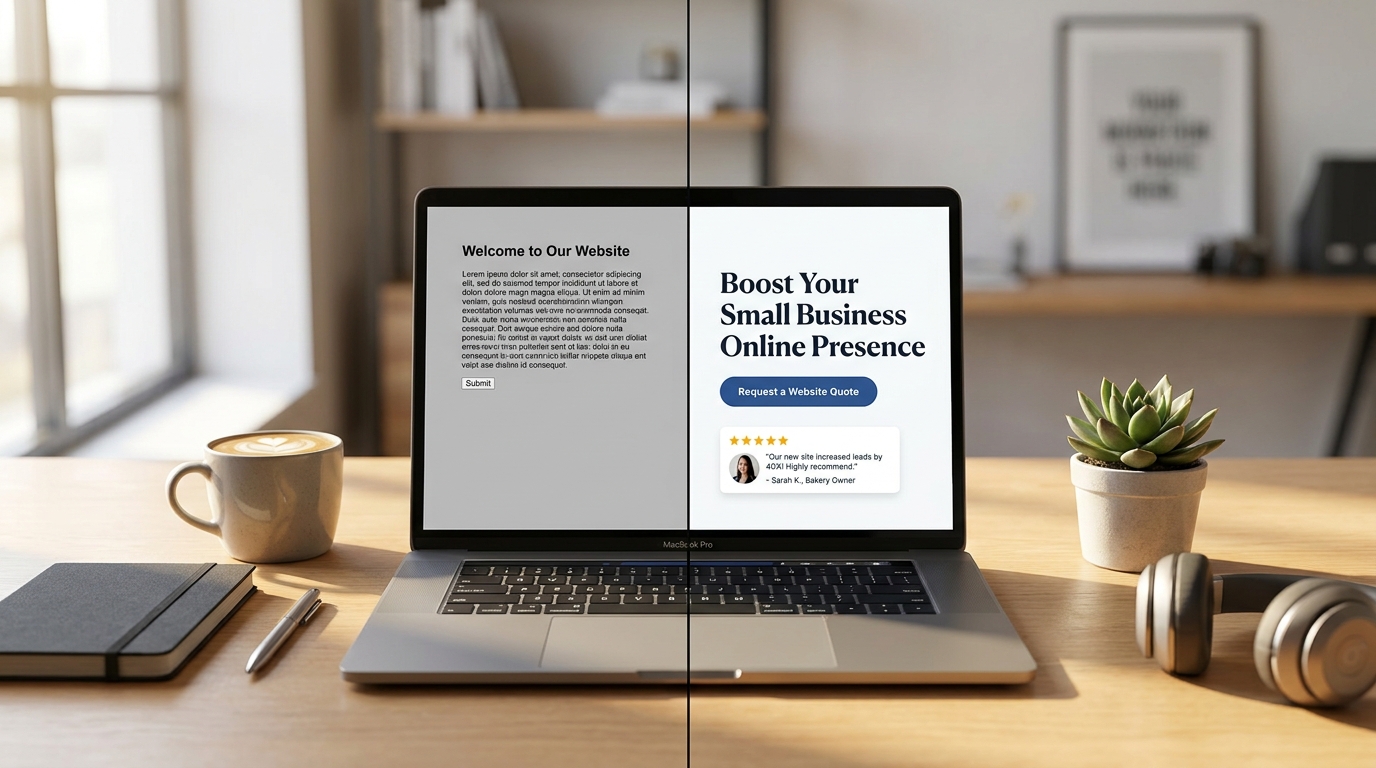
When your website feels overdue for attention, it is tempting to change everything at once. Start by finding the issue most likely to interrupt a customer’s next step.
Put this guide to work: Copy this small website update brief.
A short, specific brief makes small website work easier to scope. “The phone button does not work on my iPhone” is more useful than “make the site better.”
Fix a blocked action first
Open the contact page and try the main routes: phone, email, and form. Test delivery as well as the message shown on the page. A visually polished form is not useful if nobody receives its submissions.
For a broken button, missing image, or small display problem, a focused WordPress fix can be the appropriate starting point. More involved problems need assessment and a separate scope.
Refresh the details customers rely on
- Replace old business hours and discontinued offers.
- Update a service description that no longer matches what you do.
- Use a current photo when it helps someone understand the work.
- Make the button describe the next action.
- Remove dead links and unnecessary detours.
Check the awkward mobile section
Look for content extending past the screen, overlapping text, cramped buttons, and menus that cover the page. Note the device, browser, page address, and what you expected to happen. A screenshot helps explain a layout issue.
A mobile layout repair is different from redesigning the whole mobile experience. Start with the section causing the problem.
Investigate slow pages before adding features
Large media, third-party embeds, configuration, and hosting can all deserve review. Test the pages that matter to customers. A performance score is a clue, not the same thing as a successful customer visit.
Speed optimization should follow a review of the actual setup. Avoid promising a particular score or installing several overlapping performance plugins as a first response.
Write a small improvement brief
Include the page address, the specific problem, the replacement text or media if you have it, and any deadline. Ask for scope and price confirmation before work begins.
If you are weighing a bigger project, compare focused fixes with a full redesign before committing to the larger scope.
Copy this small website update brief
Bookmark this brief for the next time you notice a website issue. It works whether you make the change yourself or ask someone to handle it.
- Where: Page address [URL]; section or button [name]; device and browser [details].
- What happens: I tried [action]. I expected [result], but saw [actual result].
- What should change: Use this approved text or image [details], or restore this behavior [description].
- What matters most: This blocks [customer task]. Deadline, if any [date and reason].
- How to check it: Repeat [task] on [device] and confirm [visible result or received message].
Example: “On /contact/, the phone button on my iPhone opens the wrong number. Use our current business number, then tap it again to confirm.”
Choose the right kind of small job
Replacement text or photos fit content updates. A broken button or feature fits WordPress fixes. An overlapping phone layout fits mobile fixes. A slow page deserves speed optimization assessment before random settings changes.