
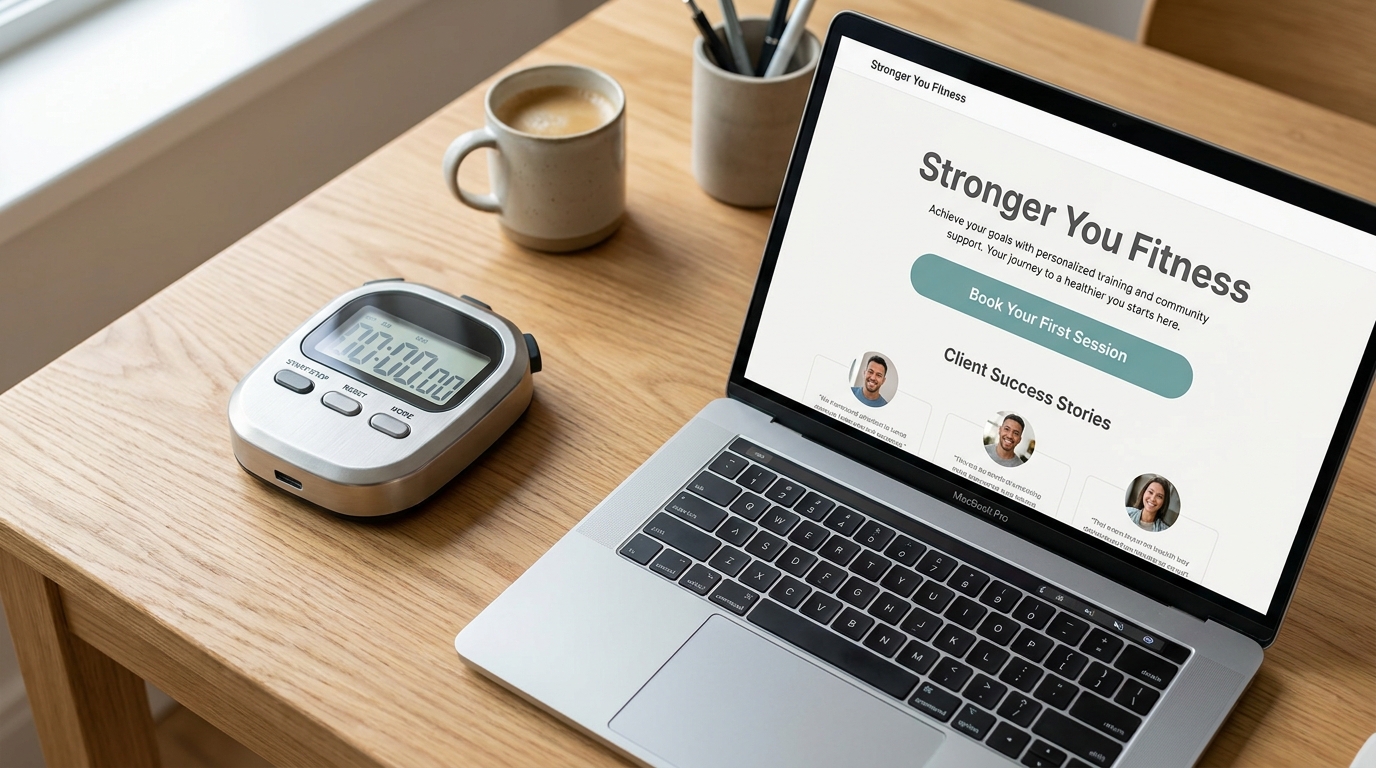
Ask someone unfamiliar with your business to look at your homepage for five seconds. Then hide the page and ask what they think you do, who you help, and what they would click next.
Put this guide to work: Copy this homepage test sheet.
This is a simple conversation starter, not a scientific score or a guarantee of more inquiries. The value is hearing what a fresh visitor understands without your explanation.
Ask three useful questions
- What does this business help with? A visitor should be able to describe the offer in familiar words.
- Is this relevant to me? Your audience, service area, or the problem you solve should give them a reason to keep reading.
- What would you do next? They should be able to find the next useful action without searching the whole page.
Fix the message before changing the whole site
A headline such as “Solutions for the Future” may sound polished but leave the work unclear. “WordPress fixes and website care for small businesses” gives a visitor something concrete to understand.
Under the headline, add one short explanation and a useful next step. “Tell us what is broken” suits a repair service. “View the menu” suits a restaurant. Choose wording that matches what happens after the click.
Repeat the check on a phone
- Can you read the headline without zooming?
- Does a sticky header cover important information?
- Can you tap the main button comfortably?
- Does the form work, and does its test message arrive?
- Do photos and effects support the message instead of obscuring it?
Make one change you can judge
Write down the specific confusion you heard. Change the headline, rearrange a section, or repair the button that caused it. Ask a fresh person to try again. If you already track inquiries, compare results with the context of traffic and seasonality; one small test does not prove a conversion increase.
These can be content updates or a focused mobile fix. A complete website redesign makes more sense when the structure itself no longer supports the business.
For a broader review, use the small-business website essentials checklist alongside this first-impression test.
Copy this homepage test sheet
Save this guide for your next homepage edit. Use the same questions each time so you can compare what visitors understand before and after the change.
- Page and device: Test [page address] on [phone or computer]. Ask someone who has not seen your explanation.
- Show, then hide: Let them look for five seconds, hide the page, and ask the three questions above without hints.
- Record their words: What do we do? [answer]. Who is it for? [answer]. What would you click? [answer].
- Choose one correction: The confusing part was [detail]. We will change [headline / explanation / button / layout].
- Repeat with a fresh person: Record the new answers and whether they can find the intended destination on their own.
The useful result is a specific misunderstanding you can fix. Clear answers show message clarity; they do not establish that the page will generate more sales.
Choose the help that matches the result
If visitors understand the offer but the wording is out of date, use content updates. If the message is visible on a computer but gets covered or cramped on a phone, use mobile website fixes. Consider website design when the offer needs a different page structure.